Young Artists: Digital Drawing & Design Basics
About Course
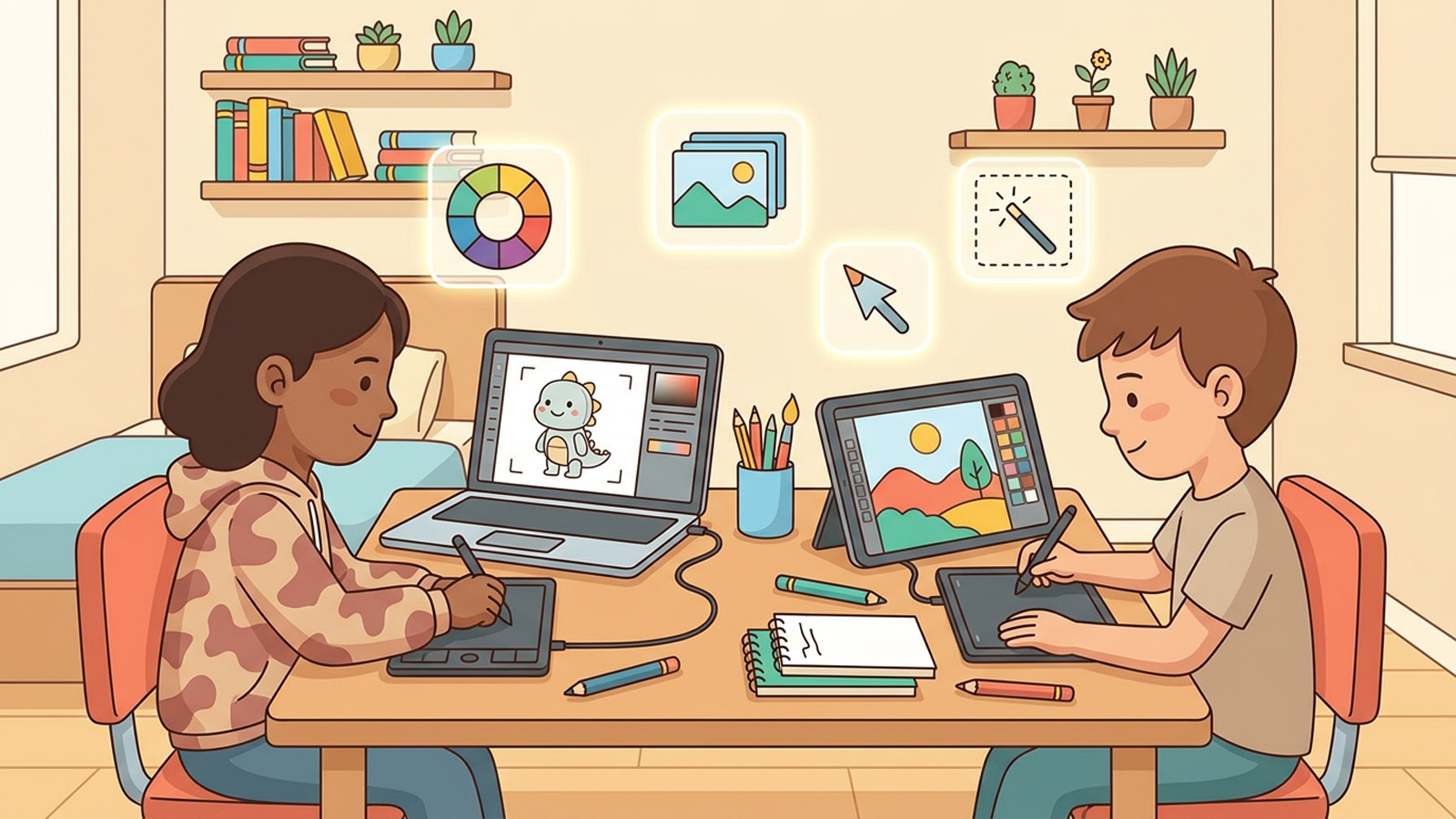
Love to draw? In this course you’ll learn to create amazing art on a tablet or computer, step by step. We’ll cover the real basics artists use — shapes, lines, color, layers, and composition — in a fun, pressure-free way.
You don’t need fancy software. Any free drawing app works (we’ll suggest options), plus a tablet, a computer with a mouse, or even a phone. Every lesson ends with a small, doable creative challenge so you’re making art from day one.
For parents: this builds creativity, patience, and confidence. Free apps like Sketchbook, Krita (computer), or the drawing tools already on most tablets are perfect to start.
What you’ll learn
- Set up a free drawing app and use brushes, the canvas, and undo confidently
- Draw anything by breaking it into simple shapes
- Use color to set a mood and make art pop
- Use layers like a pro to build and fix artwork easily
- Arrange a picture with good composition (foreground, background, balance)
- Finish and share a piece of digital art you’re proud of
Course Content
Module 1: Getting Started with Digital Art
-
Welcome to Digital Art
-
Your Canvas and Tools
-
Warm-Up: Scribbles and Strokes
-
Module 1 Quiz