Robotics & Electronics for Kids: Build and Program
About Course
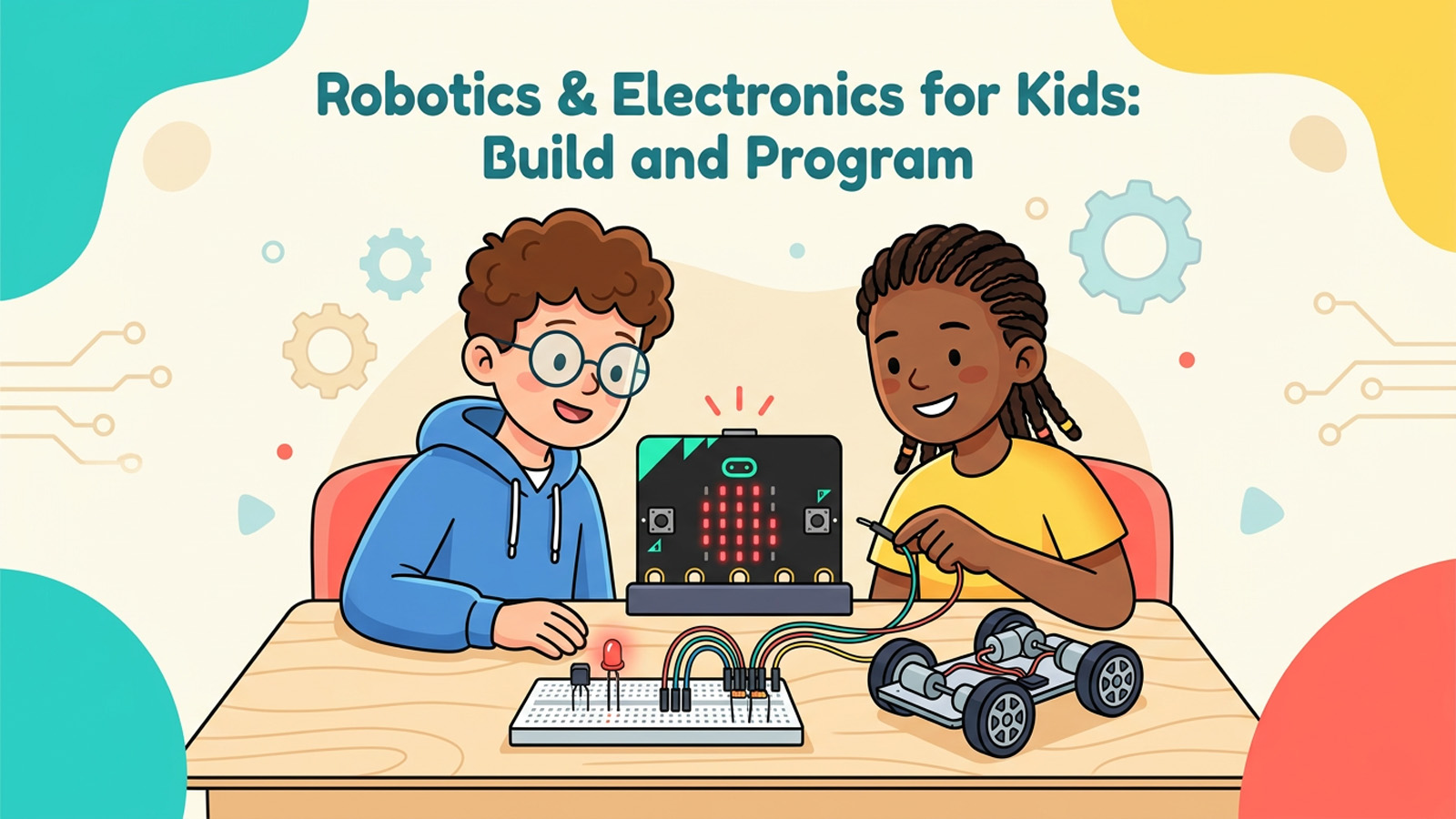
Ever wanted to make a light glow, a buzzer beep, or a tiny robot zoom across the floor and steer itself? This course turns curious kids and pre-teens into real makers. You will learn how electricity actually works, build genuine circuits on a breadboard, read sensors, and write code that brings your creations to life — one small, satisfying project at a time.
We start with the basics of electricity and circuits explained in plain language, then add components like buttons, buzzers, light sensors, and motors. From there you will program a BBC micro:bit using MakeCode, reacting to button presses and sensor readings with loops and variables. Finally, you will combine everything into a working robot that can follow light or react to a line on the floor.
Every lesson includes real, runnable code — shown both as MakeCode blocks and as JavaScript or Python — plus clear, doable projects. We use only low-voltage batteries (never mains electricity), and we point out exactly when to grab a grown-up for a helping hand. By the end, you will not just understand robotics and electronics — you will be able to design, build, and debug your own inventions.
What you’ll learn
- Build a real LED circuit with a battery, resistor, and switch that lights up safely.
- Wire components on a breadboard without soldering, like real engineers do.
- Read and understand simple circuit schematics and electronic symbols.
- Program a micro:bit in MakeCode to react to buttons, light, and temperature.
- Use loops, variables, and conditions to make your projects think and respond.
- Connect motors and sensors to build a robot that follows light or reacts to a line.
- Troubleshoot circuits and code calmly using a clear step-by-step checklist.
- Plan and invent your own electronics projects from idea to working build.
Course Content
Electricity & Circuits Basics
-
What Is Electricity? Voltage, Current, and Resistance
-
Building Your First Circuit: An LED That Lights Up
-
Switches: Turning Things On and Off
-
Using a Breadboard the Smart Way
-
Module 1 Quiz: Electricity & Circuits Basics