Digital Art Mastery: Illustration & Character Design
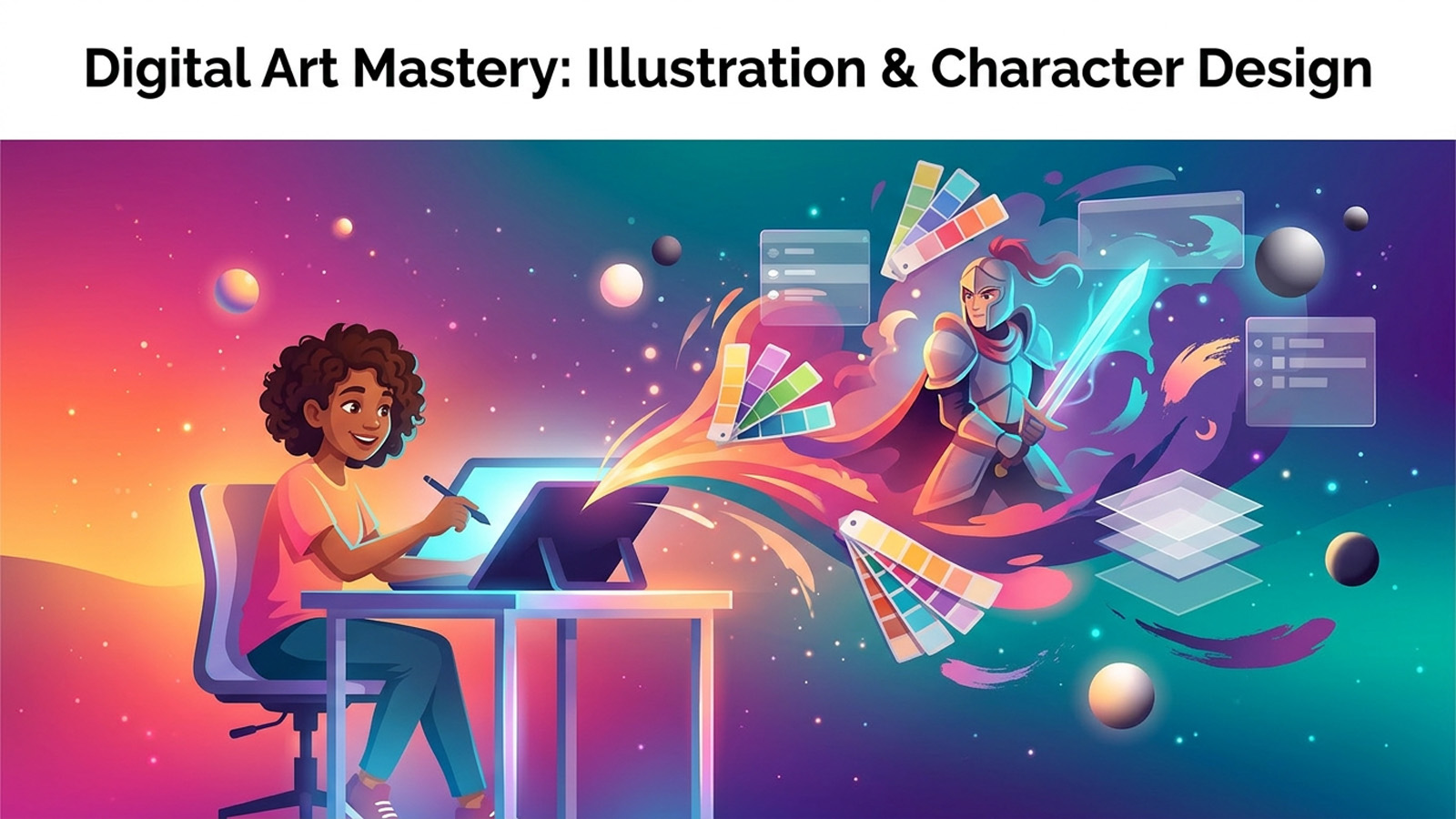
About Course
You can already draw a little — maybe a lot — but you keep hitting the same wall. Your characters look stiff, your shading looks flat, your colors feel muddy, and you have no idea why the artists you admire make it look so easy. This course tears that wall down. It’s built for motivated teens who are done with random tutorials and ready to learn the actual fundamentals that professional illustrators and character designers use every single day.
We start by setting up a real digital studio using Krita — a completely free, professional-grade painting program — with notes throughout for Procreate and Photoshop users too. From there we climb the skill ladder deliberately: confident linework and 3D construction, then value and light, then color theory that finally makes sense, then full character design, then composition and storytelling, and finally the polish and portfolio skills that turn a hobby into something you can be proud to share.
This is not a ‘trace this and feel good’ course. Every lesson teaches a real principle, shows you why it works, and gives you a concrete Practice: exercise to lock it in. You’ll do studies of forms, value scales, color palettes, silhouettes, expressions, and full illustrations. By the end you won’t just have nicer drawings — you’ll have an actual process you can repeat to make any picture you imagine, plus a small portfolio to prove it.
Grab your tablet (or even just a mouse), open Krita, and let’s get genuinely good.
What you’ll learn
- Set up a professional free digital art studio in Krita with the right canvas, brushes, and layers
- Draw confident, clean linework using your whole arm and ghosting strokes
- Construct any subject from basic 3D forms — spheres, cubes, and cylinders
- Shade believable form by controlling value, light source, and edge hardness
- Build harmonious color palettes using hue, saturation, value, and temperature
- Design original, readable characters with strong silhouettes and shape language
- Compose illustrations that guide the eye and tell a story in a single image
- Render, export, and present a polished art portfolio safely online
Course Content
Your Digital Studio
-
Choosing Your Software and Hardware
-
Canvas, Resolution, and Color Mode
-
Brushes: Less Is More
-
Layers, Undo, and Essential Shortcuts
-
Module 1 Quiz: Your Digital Studio