Game Development with Unity for Teens
About Course
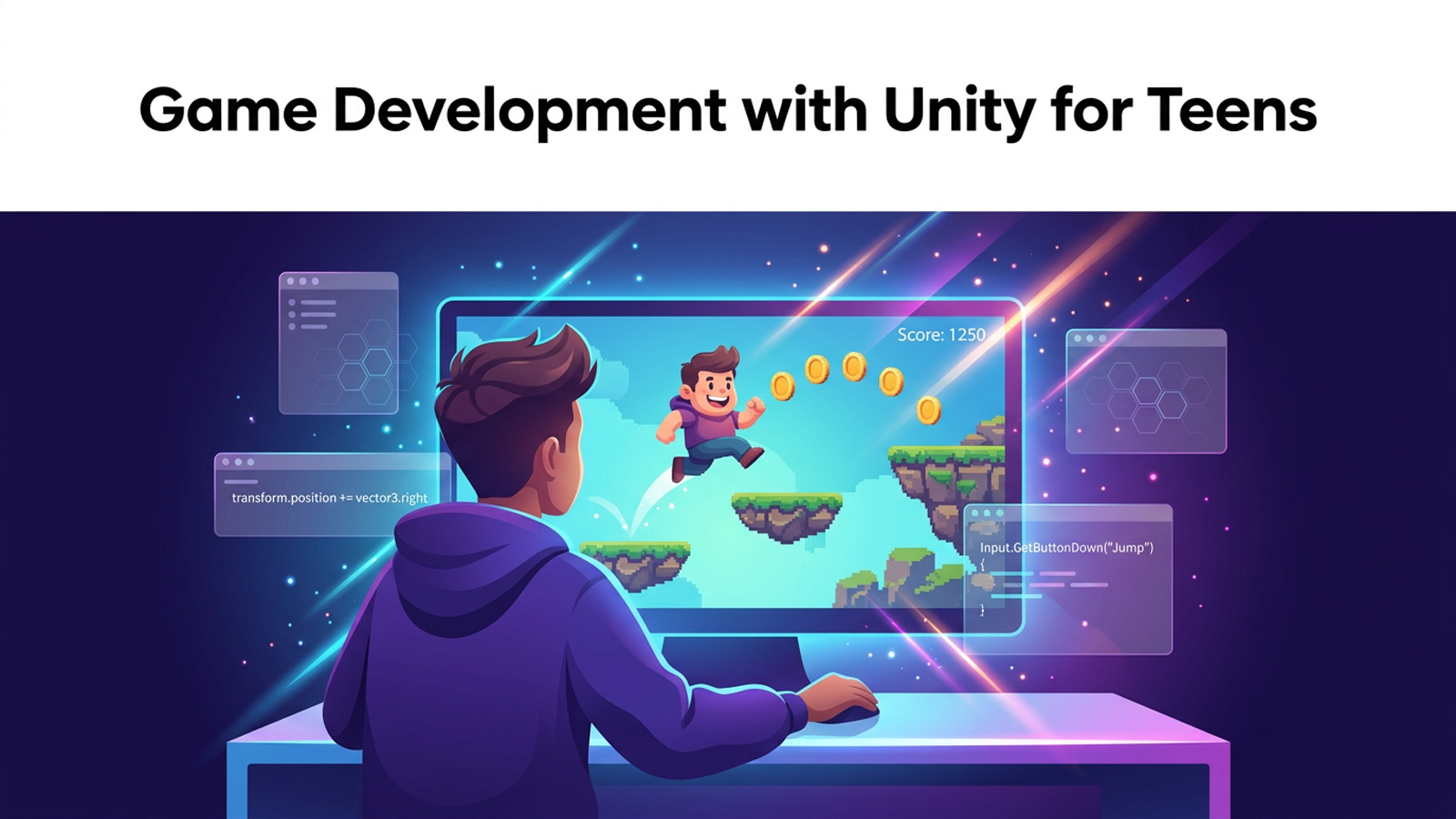
You’ve played the games. Now it’s time to build them. Unity is the same professional engine behind hits like Hollow Knight, Cuphead, and Among Us, and in this course you’ll learn to drive it like a real game developer. We start from a blank editor and finish with a complete, playable 2D game that you can build, share with friends, and put online.
This is a hands-on, code-first course. You won’t just watch features get demonstrated. You’ll write genuine C# scripts that move a player, detect collisions, spawn enemies, keep score, and play sound effects. Every concept is grounded in something you actually make inside the Unity editor, with clear step-by-step instructions for the menus, panels, and buttons, because Unity is a visual tool as much as a coding one.
We build up carefully. First you’ll master the engine and its interface, then construct a world from sprites and prefabs, then bring it to life with scripting and physics. By the time you reach the final module you’ll assemble a small platformer, playtest it, fix bugs like a pro, and export a real build for PC and the web.
Mistakes are part of the job here. Every professional developer spends half their time fixing things that don’t work yet. If you’re a motivated teen ready to turn ideas into real, interactive games, grab a computer and let’s start shipping.
What you’ll learn
- Build a complete, playable 2D platformer game from an empty Unity project
- Script player movement, jumping, and physics using C# and Rigidbody2D
- Detect collisions and triggers to power scoring, damage, and pickups
- Spawn enemies and obstacles dynamically with Instantiate and prefabs
- Design game UI with a Canvas to display score, health, and menus
- Add sound effects, particles, and game feel that make a game fun to play
- Debug your own game systematically using Debug.Log and the Console
- Build and export your game for PC and WebGL, then share it with the world
Course Content
Welcome to Game Dev and Unity
-
What Is a Game Engine?
-
Installing Unity Hub and the Editor
-
Touring the Unity Editor
-
GameObjects and Your First Scene
-
Module 1 Quiz: Welcome to Game Dev and Unity